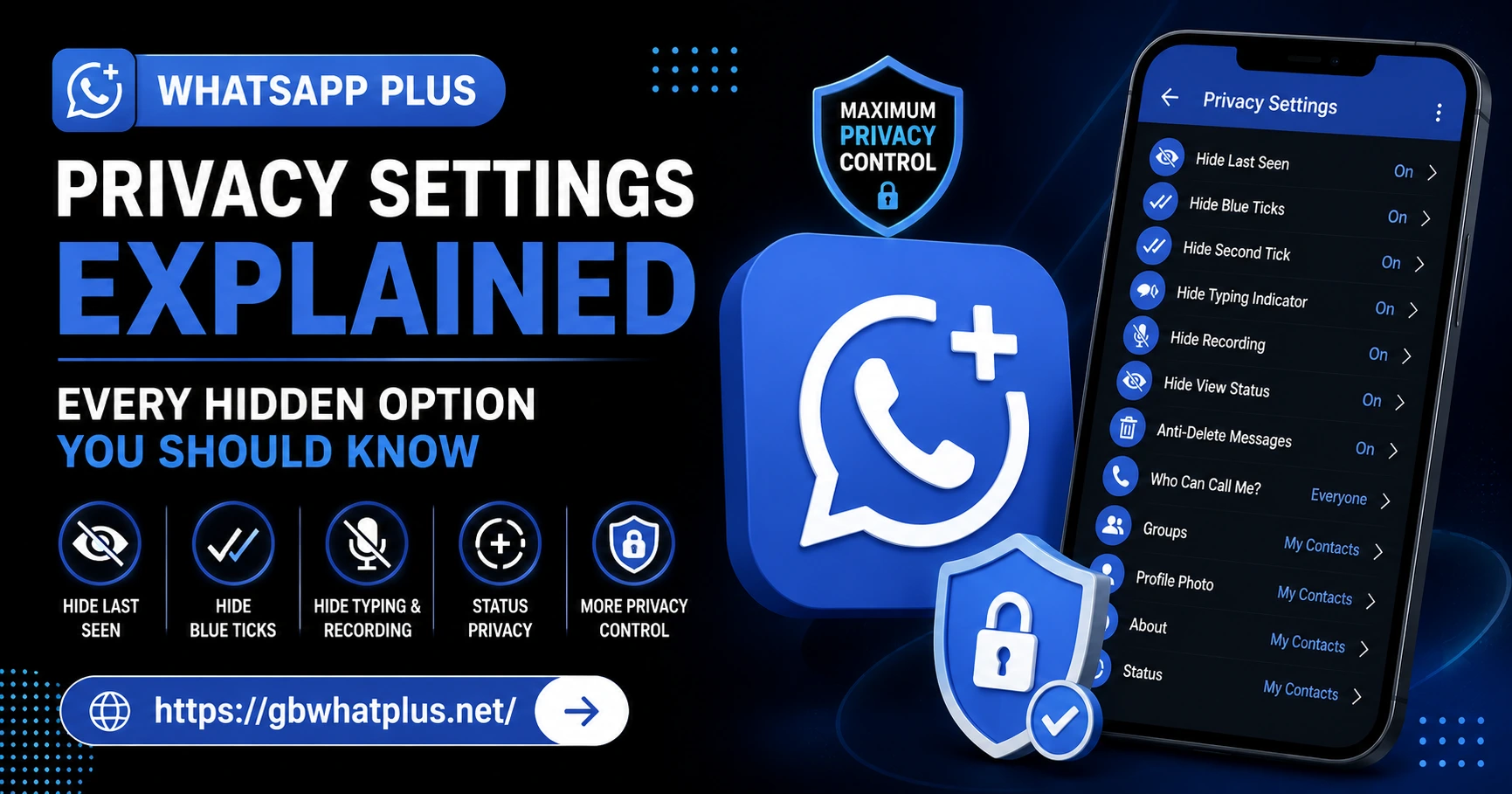
If you have ever felt that the official WhatsApp gives you less control over your own data, you are not alone. Most users want more flexibility when it comes to who sees their profile photo, who can add them to groups, and whether their online status is visible. WhatsApp Plus Privacy Settings was built with exactly that idea in mind. It is a modified version of the original app that unlocks a deeper layer of privacy controls that are simply not available in the stock version.
In this guide, we will walk through every meaningful privacy option inside WhatsApp Plus, explain what each one does, and help you decide which settings match the level of secrecy you want for your conversations.
Why Privacy Settings Matter More Than You Think
Before diving into the menu, take a moment to think about how much personal information flows through your messaging app every single day. Bank transaction screenshots, medical details, family issues, work conversations, and casual gossip all sit in one place. A single careless privacy setting can expose all of it to a stranger, an ex, or a curious colleague.
WhatsApp Plus understands this and pushes privacy far beyond what the original app offers. You can hide your online presence, freeze your last seen, block specific people from calling you, and even appear offline while still using the app. None of these options require rooting your phone or installing a separate tool.
Getting Into the Privacy Menu
Open WhatsApp Plus and tap the three-dot menu in the top right corner of the home screen. Choose Plus Settings, then look for the Privacy and Security section. You will see a long list of options, grouped by category. Each toggle has a short description right under it, so you rarely need to guess what a setting does.
Take a few minutes to scroll through the whole list before making changes. This way you know exactly what is available and you do not miss anything useful at the bottom of the page.
Hiding Your Online and Last Seen Status
One of the most popular reasons people switch to WhatsApp Plus is the ability to hide their online activity completely. Inside the privacy section, you will find three related options:
- Hide Online Status: When this is on, you can browse and send messages without anyone seeing the green online dot. You still receive messages normally.
- Freeze Last Seen: Your last seen timestamp stays stuck on the last time you actually used the app. This is great if you do not want people checking when you were last active.
- Hide Typing and Recording: While you type a reply or record a voice note, the contact will not see the typing indicator or microphone icon. This gives you time to think without pressure.
These three together create the feeling of being invisible while still being reachable. It is one of the most appreciated features in the entire app.
Controlling Profile and Status Visibility
The original WhatsApp only allows you to choose between Everyone, My Contacts, or Nobody for profile photo, about, and status. WhatsApp Plus takes this much further. You can pick specific contacts who can see your profile photo while blocking everyone else. You can also hide your About text from selected people without affecting what others see.
Status privacy works the same way. If you post a status update and only want your closest friends to view it, you can create a custom list. The rest of your contacts will see nothing, and they will not even know you posted anything. This is perfect for users who share personal moments but do not want coworkers or distant relatives watching.
Blocking Calls From Strangers
Spam calls from unknown numbers are a real headache. Inside WhatsApp Plus, you can switch on Block Calls From Unknown Numbers. Once active, anyone not in your contact list will hear a busy tone or get disconnected automatically. You can also choose to silently reject unknown calls while still receiving a log entry, so you can review them later if needed.
There is also an option to disable voice and video calls completely. If you only want to use the app for texting, this single toggle removes the call tab from your interface and stops all incoming call notifications.
Hiding Chats and Archived Threads
Sometimes the issue is not who sees your data, but who can see your chat list when they pick up your phone. WhatsApp Plus offers several layers of protection here:
- Hide Chats: Move a conversation into a hidden area that only opens with a PIN or pattern.
- Lock Individual Chats: Add a separate password to specific conversations. Even if someone unlocks the main hidden area, they still cannot open these threads.
- Hide Archived Chats: Archived conversations normally appear at the top of the chat list. This option removes them entirely until you choose to show them again.
These tools are especially useful if you share your phone with family members or often hand it to kids for a quick game.
Advanced Anti-Revoke and Anti-Delete Options
This is where WhatsApp Plus truly shines. With the Anti-Revoke Messages option enabled, you can still read messages that someone has deleted on their end. The same goes for status updates. If a contact posts a story and then removes it, you can still open it from your status view.
There is also a Delete for Everyone Limit Extender, which gives you more than the standard one hour window to recall a message. This is helpful for users who often regret sending something and need a longer buffer.
Two-Step Verification and App Lock
Security and privacy go hand in hand, so WhatsApp Plus includes an app lock feature. You can require a PIN, pattern, or fingerprint every time the app opens. The lock screen also appears after a custom period of inactivity, which you can set anywhere from immediately to ten minutes.
For account level protection, enable two-step verification by going into your account settings. Pick a six digit PIN that the app will ask for periodically. This prevents anyone from registering your number on another device, even if they somehow get your SIM.
Managing Group Privacy
The original app only lets you choose who can add you to groups: everyone, your contacts, or nobody. WhatsApp Plus takes this further with a custom blacklist for groups. You can block specific contacts from ever adding you to any group, even if your general setting allows everyone.
There is also a feature to Hide Group Participants in shared media and notifications. If you are part of a sensitive work group, you can keep membership details away from curious onlookers who happen to glance at your phone.
Controlling Media Visibility in Gallery
By default, images and videos you receive through WhatsApp appear in your phone gallery. This is convenient but risky. If a sensitive file arrives, anyone opening your gallery can see it.
WhatsApp Plus includes a Hide Media from Gallery option. When active, all incoming media stays inside the app and does not show up in your phone gallery. This is a small but powerful setting that many users forget to switch on.
Customizing Read Receipts and Blue Ticks
Read receipts are the small blue ticks that show when someone has read your message. Some users love them, others find them stressful. WhatsApp Plus gives you complete flexibility:
- Hide blue ticks for selected contacts while keeping them visible for everyone else.
- Always show ticks to specific people even if you have hidden them globally.
- View status updates secretly without your name appearing in the viewer list.
This level of customization is perfect for users who want honesty with close friends but privacy with everyone else.
Final Thoughts on Privacy
Privacy is not about hiding something. It is about controlling who has access to which part of your life. WhatsApp Plus gives you that control through dozens of thoughtful settings, all tucked into one simple menu.
Start with the basics like hiding online status and freezing last seen, then work your way into the advanced options like anti-revoke and chat lock. Within a week, you will have a setup that matches exactly how you want to communicate, free from unwanted eyes and unnecessary pressure.
Frequently Asked Questions
Is it safe to use all these privacy settings together? Yes, the settings work independently and combining them does not affect app performance. Just remember to enable two-step verification for full account protection.
Will my contacts know I changed my privacy settings? No, WhatsApp Plus applies changes silently. The other person will only notice that your last seen, online status, or profile photo is no longer visible.
Can I hide my online status from one specific person? Yes, WhatsApp Plus allows you to create custom lists of contacts for almost every privacy option, including online status, profile photo, and read receipts.
Do hidden chats still receive messages? Yes, they continue to work normally. You just need to enter your PIN or pattern to view them.
Will anti-revoke work if the sender uses the official WhatsApp? Yes, the feature works regardless of which version the sender uses. If they delete a message, you will still see it in your chat.